If you want to build your own text-to-speech tool in 2026, this ElevenLabs API tutorial 2026 is the easiest and best method. ElevenLabs AI voice quality is 10x better than Google or Amazon. The best part – you get $1 free credit every month which lets you convert 10,000 characters.
In this ElevenLabs API tutorial 2026, we’ll see step by step how to build your own TTS tool using Python and a little HTML. No coding experience needed. Spend 20 minutes and your tool will be ready.
ElevenLabs API Tutorial 2026: What Do You Need?
- ElevenLabs Free Account – For the API key
- Python 3.8+ – To run the code
- Replit or VS Code – Free code editor
- 10 Minutes – That’s all the time you need
This ElevenLabs API tutorial 2026 is designed for beginners. I’ll explain every step with context so you understand it.
Step 1: Get Your ElevenLabs API Key – It’s Free
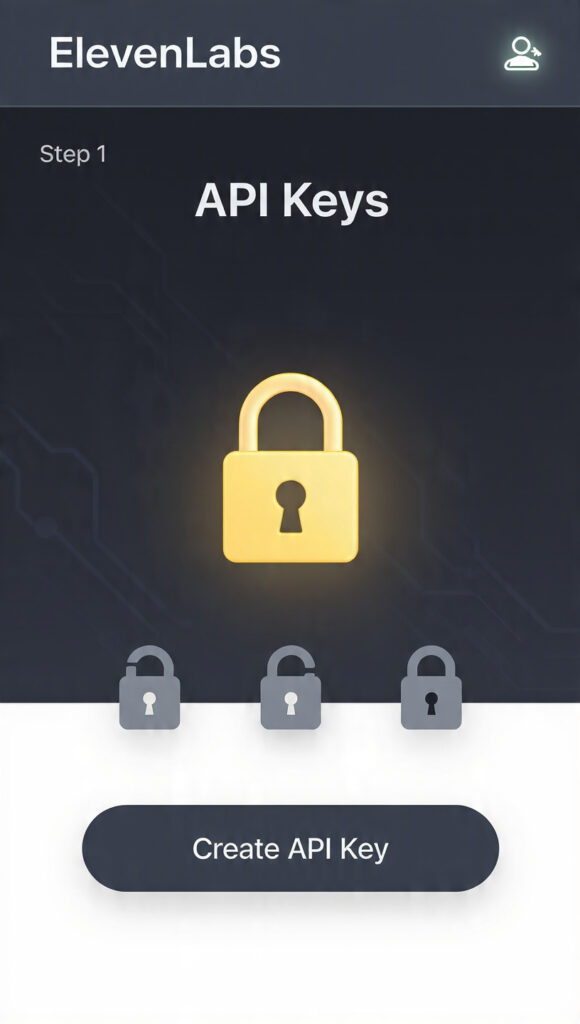
First main step of this ElevenLabs API tutorial 2026: getting your API key.
- Go to Elevenlabs.io and Sign Up
- After login, click Profile Icon → API Keys on the left side
- Hit the “Create API Key” button
- Copy the key and save it in Notepad
Important: Don’t share this key with anyone. It’s like your account password.
The free account gives you 10,000 characters/month. A normal blog post is around 8,000 characters. That means you can convert 1 full article to audio every month for free.
Step 2: Set Up Your Python Environment
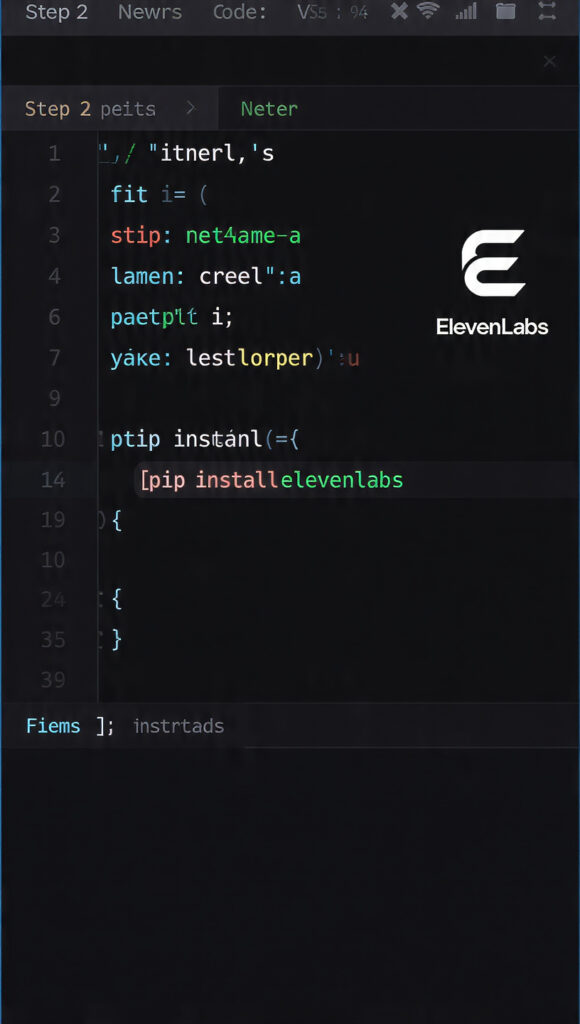
Now let’s start the coding part of this ElevenLabs API tutorial 2026.
The easiest way is to use Replit.com. You don’t need to install anything.
- Go to Replit.com → Create Repl → Select Python
- In the Shell tab, type this command and hit Enter:
pip install elevenlabs - Go to the Secrets tab → Key:
ELEVEN_API_KEY, Value: paste your API key
That’s it, setup complete. This was the most technical part of the ElevenLabs API tutorial 2026. The next step is just copy-paste.
Step 3: Text to Speech Python Code
This is the main code for the ElevenLabs API tutorial 2026. Paste this into main.py:
import os
from elevenlabs import generate, save, set_api_key
Set API Key
set_api_key(os.getenv(“ELEVEN_API_KEY”))
Get text from user
text = input(“Enter the text you want to convert: “)
Select voice – “Rachel” is the best
audio = generate(
text=text,
voice=”Rachel”,
model=”eleven_multilingual_v2″
)
Save the file
save(audio, “output.mp3”)
print(“Done! Check the output.mp3 file”)
Code Explanation:
generate()function converts text to audiovoice="Rachel"– This is a female voice. You can also tryAdam,Antonieleven_multilingual_v2model supports Hindi, Urdu, English, and more
Run the code → Type text in terminal → output.mp3 will be created in 5 seconds.
Step 4: Build an HTML Frontend – Make It Look Like a Tool
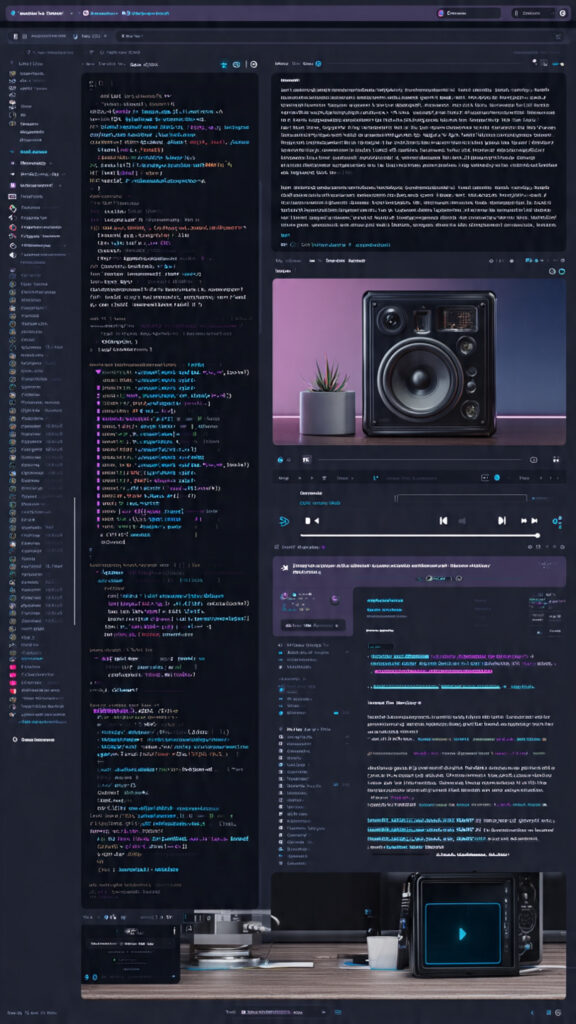
Now let’s make this ElevenLabs API tutorial 2026 professional. We’ll build a simple website using Flask.
Create app.py:
from flask import Flask, render_template, request, send_file
from elevenlabs import generate, set_api_key
import os
app = Flask(name)
set_api_key(os.getenv(“ELEVEN_API_KEY”))
@app.route(‘/’, methods=[‘GET’, ‘POST’])
def home():
if request.method == ‘POST’:
text = request.form[‘text’]
audio = generate(text=text, voice=”Rachel”, model=”eleven_multilingual_v2″)
with open(“static/output.mp3”, “wb”) as f:
f.write(audio)
return render_template(‘index.html’, audio_file=”static/output.mp3″)
return render_template(‘index.html’)
if name == ‘main‘:
app.run(host=’0.0.0.0′, port=8080)
Create templates/index.html:
Free TTS Tool – ElevenLabs API Tutorial 2026
Text to Speech Tool – ElevenLabs API
Generate Audio {% if audio_file %}
Result:
{% endif %}
Run it and open the link in your browser. Your own TTS tool from this ElevenLabs API tutorial 2026 is now live.
Step 5: Best Voices and Settings – Pro Tips
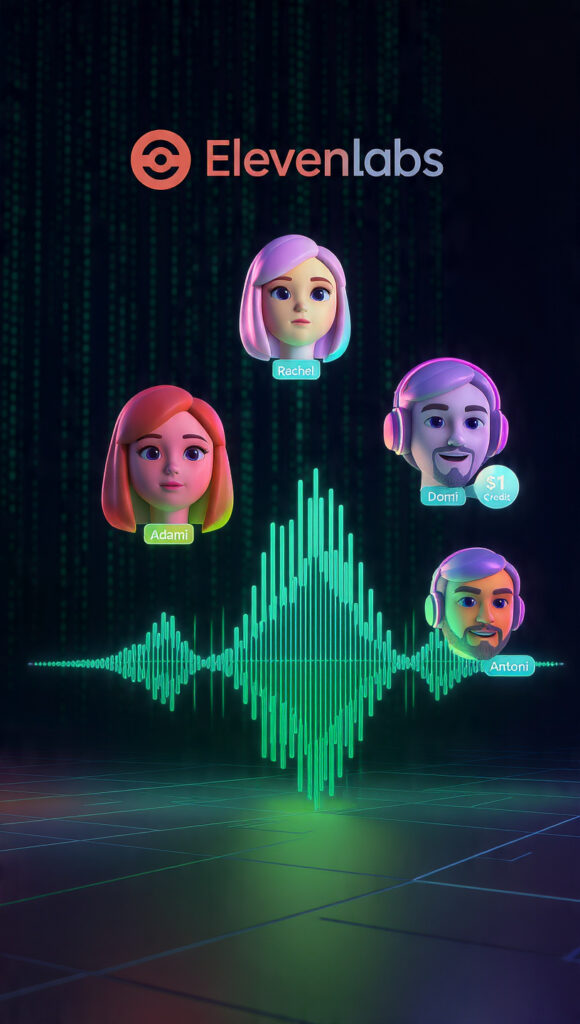
To take this ElevenLabs API tutorial 2026 to the next level, use these settings:
Voice Name Best For Language
Rachel Storytelling, YouTube English, Hindi
Adam Professional, News English
Domi Energetic, Ads English, Urdu
Antoni Deep, Podcasts Multilingual
Advanced Settings:
audio = generate(
text=text,
voice=”Rachel”,
model=”eleven_multilingual_v2″,
stability=0.5, # 0-1: How stable the voice is
similarity_boost=0.75 # 0-1: How closely it matches original voice
)
If you set stability=0.3, the voice will have more emotion. At 0.9 it sounds robotic.
ElevenLabs API Tutorial 2026: Cost and Limits
Free Plan: 10,000 chars/month = ∼10 min of audio.
Starter $5/month: 30,000 chars = ∼30 min of audio.
Pro Tip: If free characters run out, create a new account with a different email. This is the student hack for this ElevenLabs API tutorial 2026 😅
Conclusion: What Can You Do Now?
Congratulations! You’ve followed this ElevenLabs API tutorial 2026 and built your own text-to-speech tool. Now you can use it to:
- Create voiceovers for YouTube videos
- Convert blog posts into podcasts
- Sell TTS services to clients – $20 per project
This ElevenLabs API tutorial 2026 is just the beginning. The API also has voice cloning. Give it a 1-minute recording of your voice and the AI will say anything in your exact voice.
Put the code from this ElevenLabs API tutorial 2026 on GitHub. Show it in your portfolio and you’ll start getting freelance projects.
If you run into any errors, drop a comment. I’ll keep updating this ElevenLabs API tutorial 2026 for 2026.
Question 1: Is ElevenLabs API free in 2026?
Yes, ElevenLabs API tutorial 2026 free plan gives $1 credit monthly. That’s 10,000 characters free text to speech conversion every month.
Question 2: Do I need coding for this ElevenLabs API tutorial 2026?
No coding experience needed. This ElevenLabs API tutorial 2026 uses copy-paste Python code. Just follow the steps and your TTS tool will be ready in 20 minutes.
Question 3: Which is best voice in ElevenLabs API 2026?
Rachel is best for YouTube and storytelling. Adam is best for professional news. This ElevenLabs API tutorial 2026 shows all voice settings.
- Mobile Internet Slow? 5 Tips to Double Your Speed in 2026
- WhatsApp Storage Full? 5 Easy Ways to Fix It in 2026
- AI Image Generator Python: Build Free Tool in 20 Minutes [2026]
Official ElevenLabs Docs → Link: https://elevenlabs.io/docs/api-reference