Mobile internet slow chal raha hai? YouTube 144p pe atak raha hai? Fix slow mobile data with these 5 free tips for 2026. Does your YouTube video get stuck on 144p and keep buffering? Does it take 5 minutes to send a single photo on WhatsApp? Do your Instagram reels refuse to load at all? Mobile internet slow is a big problem in 2026. If your mobile internet slow on Jazz, Zong, or Telenor, these 5 tips will double your speed. Fix mobile internet slow issues now.
Don’t worry. In 2026, many people in Pakistan face slow internet issues. But in 90% of cases, the problem is not with your SIM company. The real issue is usually in your phone’s settings.
Below are 5 powerful tricks that have been personally tested by http://TechnoH8News.com. With these methods, your internet speed can become up to 2x faster. You don’t need to buy any new package, and it won’t cost you any money.APN settings can fix mobile internet slow speed instantly.
Step 1: Turn Airplane Mode On and Off – The 10-Second Magic Trick

This is the oldest and most effective method. When your phone connects to a mobile tower, it sometimes gets stuck with a weak signal and doesn’t switch to a stronger one.
What to do:
- Swipe down from the top of your phone screen to open the quick settings panel
- Tap the Airplane or Flight Mode icon. Wait for 10 seconds
- Tap it again to turn it off
This forces your phone to disconnect and then search for the strongest, fastest tower available in your area. For 70% of people, their internet speed gets fixed with just this simple step. Try it before anything else.Too many apps cause mobile internet slow on Android phones.
Step 2: Reset Network Settings – This Is Not a Factory Reset
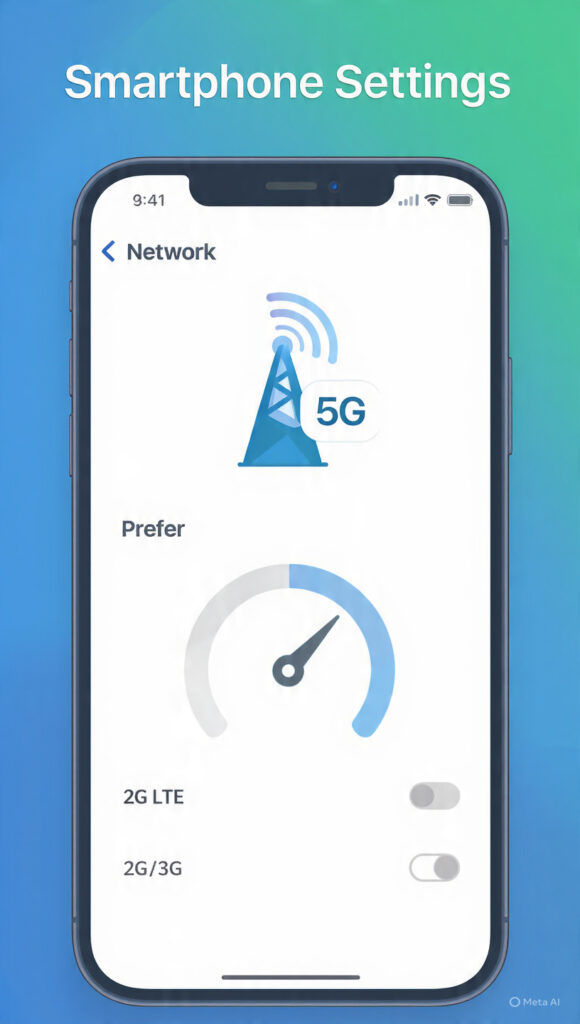
Sometimes your phone’s network configuration gets corrupted. Resetting it can fix all connectivity issues. Don’t worry, none of your photos, videos, or personal data will be deleted.
What to do:
- Go to Phone Settings > System or General Management
- Find “Reset” and tap on “Reset Network Settings”
- Confirm by tapping “Reset Settings”
This will only delete your saved WiFi passwords and Bluetooth connections. Your SIM settings will become completely fresh. Your phone will connect to the internet as if it were brand new. This solves hidden network bugs that slow down your speed. After this setting, your mobile internet slow problem will be solved.
Step 3: Select “4G Only” Mode – Get Rid of 2G and 3G
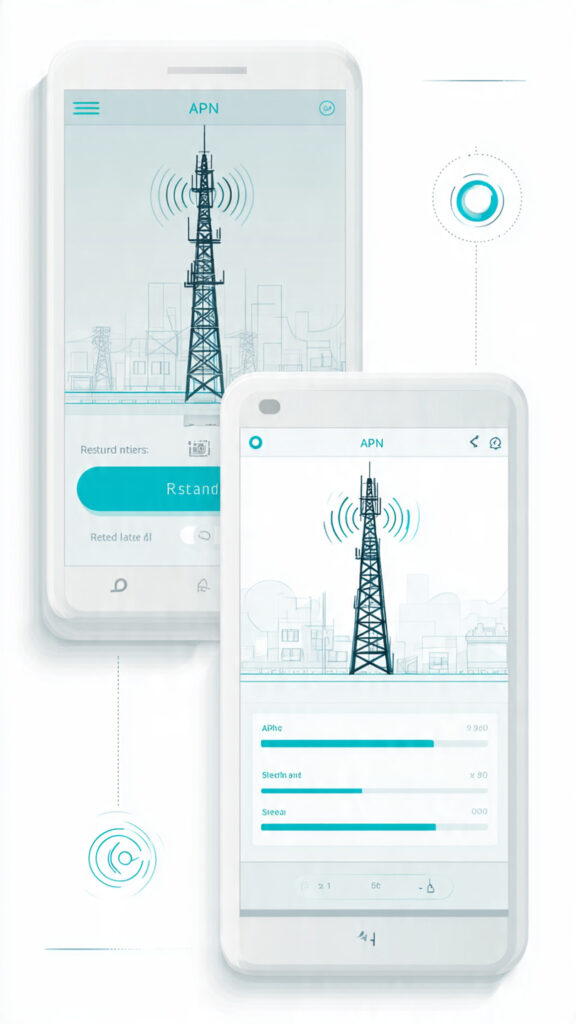
Your phone constantly shifts between 4G, 3G, and 2G networks to maintain a signal. The moment it drops to 2G, your internet basically dies. You can force it to stay locked on 4G for maximum speed.
What to do:
- Go to Phone Settings > SIM Cards & Mobile Networks
- Select your active SIM > Find “Preferred Network Type”
- Set it to “4G” or “LTE Only”
Important Note: In areas with weak coverage, doing this might cause problems with calls. If you face call issues, just switch it back to “Auto”. But in cities and towns, this trick will instantly double your internet speed because it stops the phone from jumping to slower networks.After this setting, your mobile internet slow problem will be solved.
Step 4: Turn Off Background Data – Stop Hidden Data Theft

You might be watching YouTube, but in the background, the Play Store, Facebook, and Daraz are all downloading updates. This is why your internet feels slow for the app you are actually using.
What to do:
- Go to Phone Settings > Apps > Data Usage or Mobile Data
- Open each app and look for the “Background Data” option
- Turn it OFF for all apps except essential ones like WhatsApp and Email
This ensures that 100% of your internet speed is dedicated to the app you are currently using. Your videos will play without buffering, and your downloads will be faster. This is the #1 reason for slow speeds in 2026.
Step 5: Change Your DNS – Use 1.1.1.1 Like a Free VPN
DNS is like the internet’s address book. Your SIM company’s default DNS is often slow and overloaded. We will replace it with the world’s fastest DNS service.After this setting, your mobile internet slow problem will be solved.
What to do:
- Go to the Play Store and install the “1.1.1.1” app by Cloudflare
- Open the app and tap the big button in the center to turn it ON
- That’s it. Your internet will now run through this faster DNS
This is 100% safe and legal. It not only makes your speed faster but can also help you open some blocked websites. When you’re not using the internet, you can turn it off from the app to save battery.
Final Advice from http://TechnoH8News.com
Try Step 1 and Step 5 first. These two tasks take only 1 minute and make the biggest difference for most users.
If your speed still doesn’t improve, then call your SIM company’s helpline and register a complaint. There might be a technical issue in your area.
Share these tips with your friends who are tired of slow internet. For new easy tech tips every day, keep visiting http://TechnoH8News.com.
For official network tips, check GSMA’s Mobile Data Guide.https://www.gsma.com/mobilefordevelopment/
Also read: Phone Battery Draining Fast? Turn Off These 5 Settings
Also read: How to Fix WhatsApp Storage Full Error in 2026