Running out of data but want to rewatch your own Facebook videos?
Save Facebook Videos Offline Without App 2026 Traveling with no internet? Facebook lets you save your own uploaded videos for offline viewing without any third-party app. In 2026, this built-in feature is the safest way to keep your content accessible anywhere. To save Facebook videos offline in 2026, you don’t need third-party apps anymore.
This guide covers 3 tested methods to download your own Facebook videos in HD. No copyright issues, no shady websites, 100% Facebook-approved.
Why Save Your Own Facebook Videos?
- No Internet Needed: Watch your reels, vlogs, or memories during flights or in low-network areas.
- Backup Your Content: Facebook accounts can get restricted. Saving your videos means you never lose them.
- Edit Later: Download your video in HD and repurpose it for YouTube Shorts, Instagram, or WhatsApp status.
- Share Privately: Send the video file directly to family without needing Facebook links.
Important: Facebook only allows you to download videos you personally uploaded. Downloading someone else’s video without permission violates copyright and Facebook’s Terms of Service.
Method 1:Download Facebook Videos Offline on PC – Step by Step
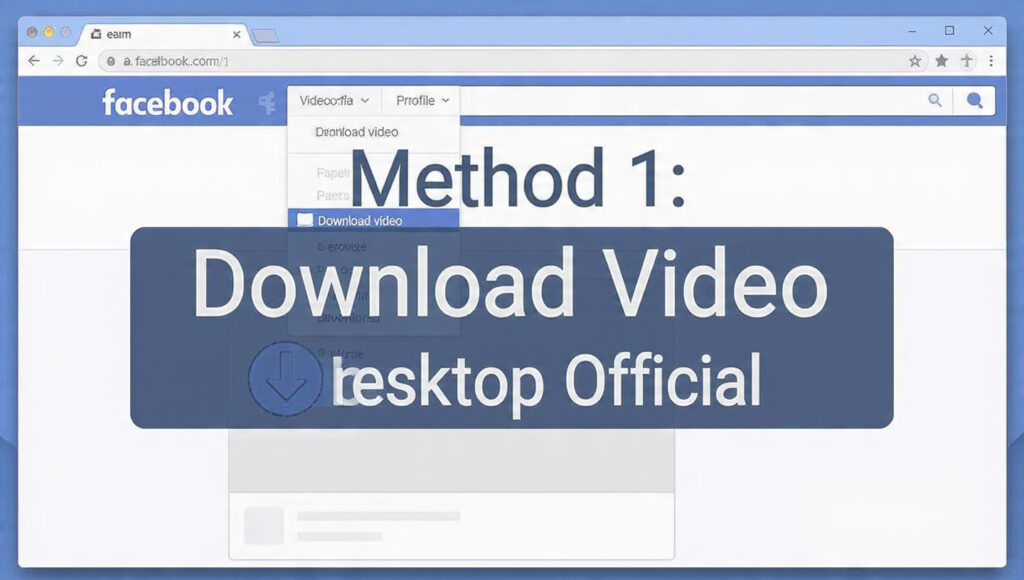
This is the official and easiest method. Works on Chrome, Edge, Safari, or Firefox.Save Facebook Videos Offline Without App 2026
Step-by-Step:
- Open http://facebook.com and log in to your account.
- Go to your Profile → Videos tab. You’ll see all videos you’ve uploaded.
- Click on the video you want to save. It will open in full-screen player.
- Click the three dots ⋯ on the top right of the video.
- Select Download video. Facebook will save it in HD MP4 format to your Downloads folder.
Pros: 100% safe, HD quality, no watermark, no app needed.
Cons: Only works on desktop. Doesn’t work for Live videos until the stream ends.Save Facebook Videos Offline Without App 2026
Pro Tip: If you uploaded in 1080p, Facebook keeps that quality. Check by right-clicking the downloaded file → Properties → Details.
Method 2: How to Save Facebook Videos Offline on Mobile
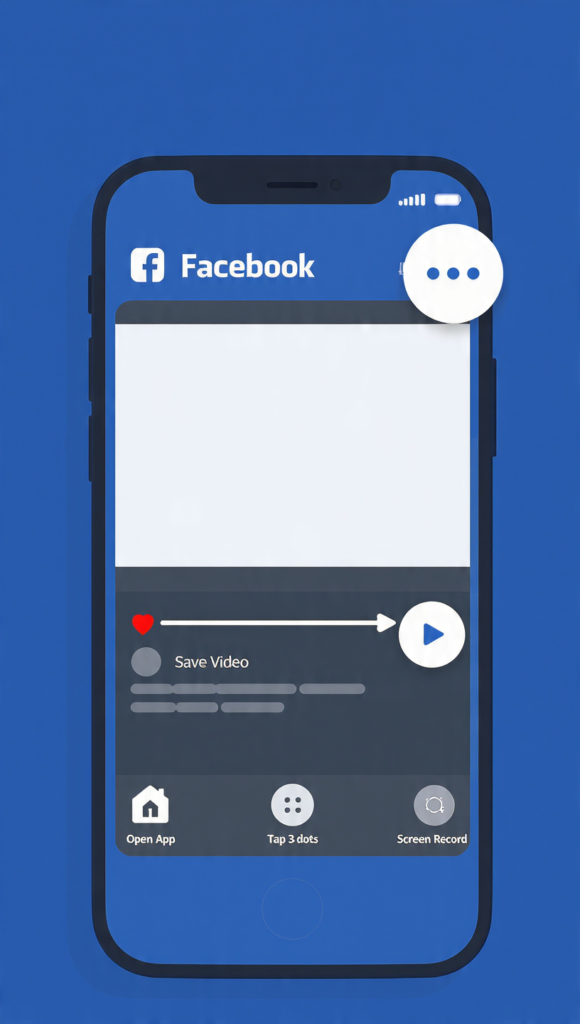
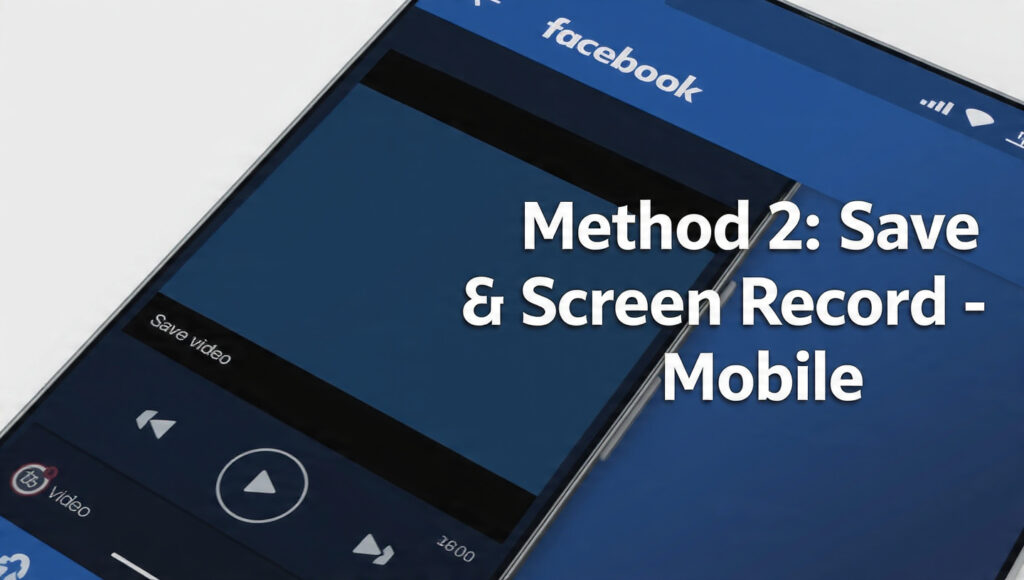
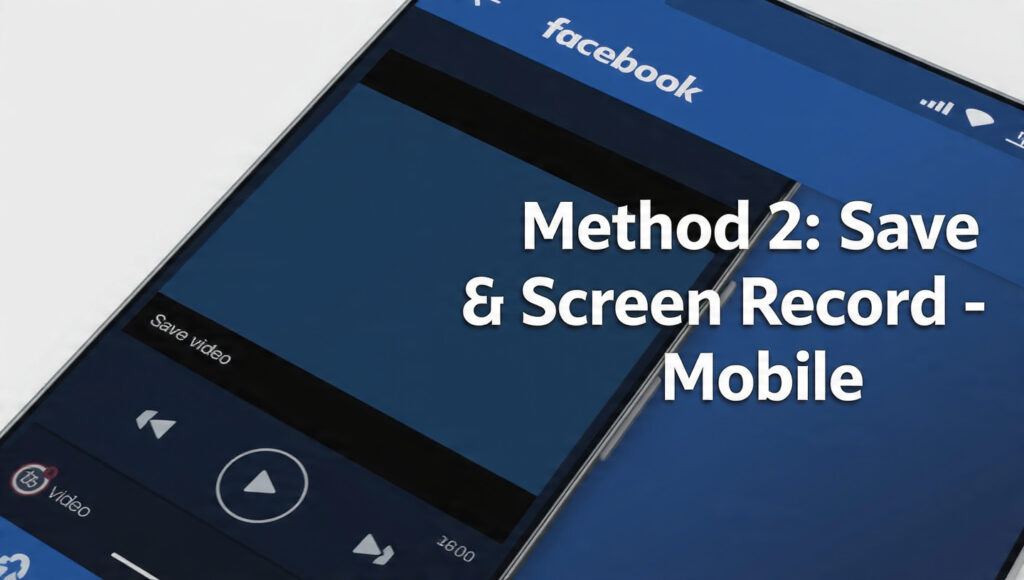
Facebook’s mobile app doesn’t have a direct download button for privacy reasons. But you can use this 2-step workaround.Save Facebook Videos Offline Without App 2026
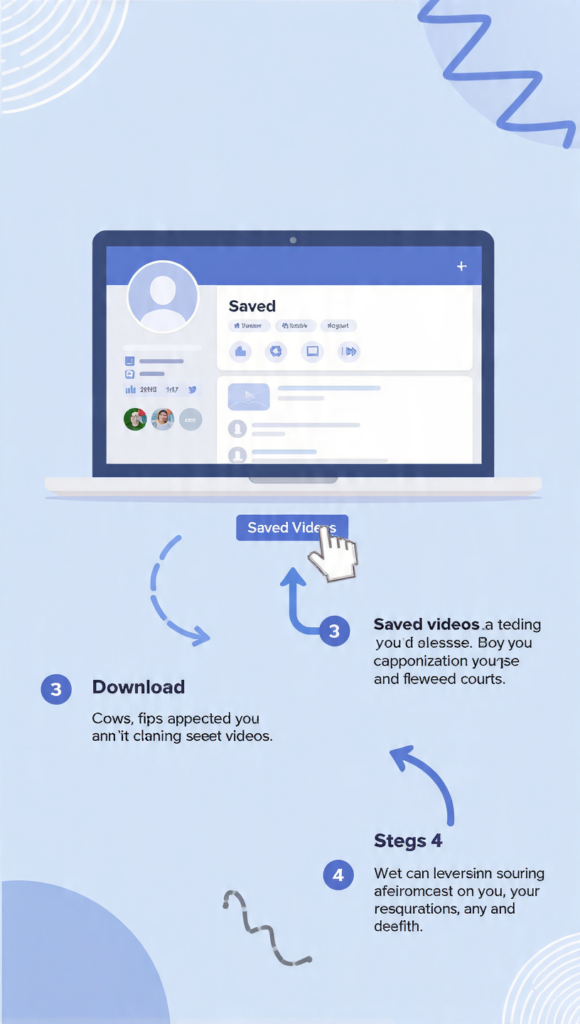
Step 1: Save to Watch Later
- Open the Facebook app and find your video.
- Tap the three dots ⋯ → Save video.
- It goes to Menu → Saved for quick access.
Step 2: Screen Record for Offline File
- Play your saved video in full screen.
- Use your phone’s built-in screen recorder:
- iPhone: Control Center → Screen Record button
- Android: Quick Settings → Screen Record
- Stop recording when the video ends. The MP4 file saves to your gallery.Save Facebook Videos Offline Without App 2026
Quality Note: Set your phone to 1080p 60fps recording in Settings before you start. This keeps HD quality. Since it’s your own video, there’s no legal issue with recording it.
Method 3: Use Meta Business Suite for Page Videos
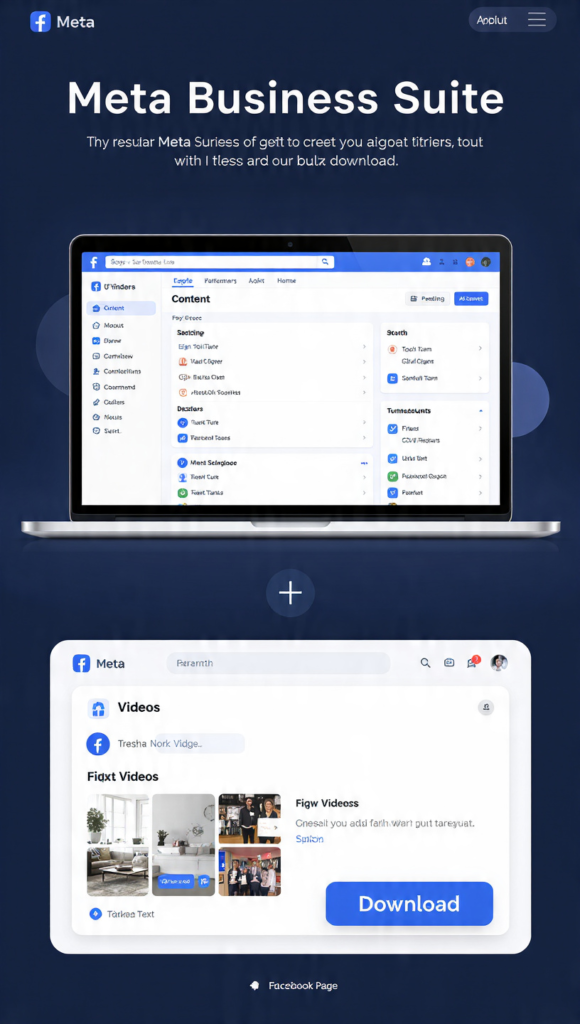
If you manage a Facebook Page and upload videos there, Meta Business Suite gives you direct HD downloads.Save Facebook Videos Offline Without App 2026
Steps:
- Go to http://business.facebook.com and select your Page.
- Click Content from the left menu → Posts & Stories.
- Filter by Videos and find the one you uploaded.
- Click the video → ⋯ More Options → Download.
- Choose HD and the file downloads instantly.
Why Creators Love This: You can bulk-download all Page videos. It also keeps original captions and upload dates in the file metadata, which helps with organization.
Video Quality Guide for 2026
Upload Quality Download Quality You Get File Size (1 min)
720p 720p MP4 ~15 MB
1080p HD 1080p MP4 ~35 MB
4K 1080p MP4 ~35 MB
Facebook compresses 4K to 1080p on download. If you need the original 4K file, always keep a backup before uploading.
Common Mistakes to Avoid
- Trying to Download Others’ Videos: Facebook blocks this. Use the “Save” feature instead to watch inside the app.
- Using Third-Party APKs: Most “FB Video Downloader” apps steal data or inject ads. Stick to official methods.
- Forgetting Privacy Settings: If your video is set to “Only Me”, only you can download it. Change to “Friends” or “Public” if you want collaborators to download.
FAQs
Q1: Can I download Facebook Live videos?
Yes, but only after the live ends. Go to your video library and the download option will appear.
Q2: Will the downloaded video have a watermark?
No. Your own uploads download clean, with no Facebook logo or username.
Q3: Is there a download limit?
No limit for your own content. You can download your entire video library if needed.
Q4: What if the download button is missing?
It means the video is still processing, or you’re not the original uploader. Wait 10 minutes and refresh
Q: Can I save someone else’s Facebook video offline?
A: No, Facebook only allows you to save your own uploaded videos for offline viewing. Downloading others’ videos violates policy.
Q: Is it legal to save Facebook videos offline?
A: Yes, downloading your own Facebook videos using the built-in save feature is 100% legal in 2026.
Final Words
Saving your own Facebook videos for offline viewing is 100% legal and takes under 30 seconds. Use Method 1 on PC for best quality, Method 2 on mobile for convenience, and Method 3 if you run a Page.
Never use sketchy downloader sites – they risk your account and violate Facebook policy. Stick to these official methods and your content stays safe forever.save facebook videos offline
This method follows Facebook’s official guidelines for downloading your content.
Also read: How to Download Instagram Reels Without Watermark