
WhatsApp storage full ka message aa raha hai? Ye 5 easy tareeke se fix karein. is your WhatsApp showing the annoying “Storage Full” message? Don’t worry. You’re not alone. Every month thousands of people in Pakistan face this problem in 2026.
When WhatsApp storage is full, you can’t receive new photos, videos, or even important messages. But the good news is: you can fix it in just 5 minutes without deleting your whole WhatsApp.
In this guide from http://TechnoH8News.com, I will show you 5 easy and 100% safe ways to free up WhatsApp storage. No technical skills needed.
Step 1: Clear Cache in 1 Minute

Cache means useless temporary files. WhatsApp saves them and your phone gets slow. Clearing cache is 100% safe. Your chats and photos will not be deleted.
How to do it:
Go to Phone Settings > Apps
Find and tap on WhatsApp
Tap on Storage & Cache
Click Clear Cache. Don’t click Clear Data!
This can free up 500MB to 2GB space instantly. Try it first.
Step 2: Delete Large Videos and Files

Biggest reason for storage full: Old videos in WhatsApp groups. One wedding video can be 200MB. whatsapp storage full
How to find and delete them:
Open WhatsApp > Settings > Storage and Data > Manage Storage
Here you will see “Larger than 5 MB”. Tap on it.
Select useless videos and tap the Delete icon.
Pro Tip: Before deleting, forward important videos to your “Saved Messages” or Google Drive.
Step 3: Stop Auto-Download Forever
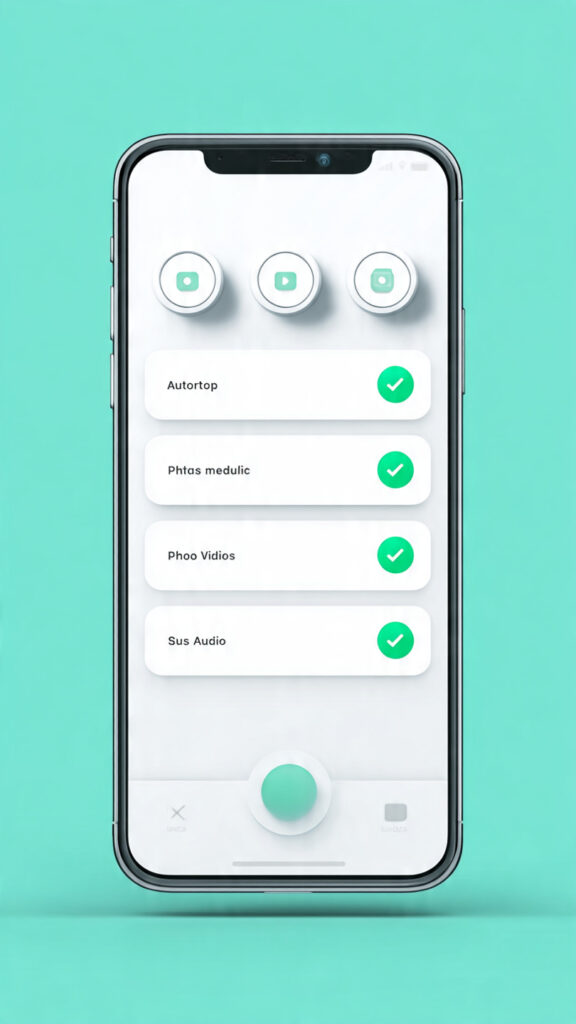
By default, WhatsApp downloads every photo and video from every group. This fills your phone daily. Turn it off now. whatsapp storage full
How to do it:
Open WhatsApp > Settings > Storage and Data
Tap on “When using mobile data” > Uncheck all: Photos, Audio, Videos, Documents
Do the same for “When connected on Wi-Fi” and “When roaming”
Now only files you tap on will download. Your storage is saved.
Step 4: Backup Old Chats and Delete Them

whatsapp storage full Old chats from 2023 or 2022 are just eating space. Back them up and delete from phone.
How to do it:
Open WhatsApp > Settings > Chats > Chat Backup
Tap “Back Up to Google Drive”. Choose your Gmail account.
Once backup is 100% complete, go back and delete very old, useless chats.
Your memories are safe in Google Drive, and your phone is free.
Step 5: Use a Trusted Cleaner App

If you want 1-tap solution, use Google’s own “Files by Google” app. It is 100% safe and free.
How to do it:
Install “Files by Google” from Play Store
Open the app > Tap on “Clean” tab at bottom
It will show “Junk files” and “WhatsApp Media”. Tap Clean.
It automatically deletes duplicate photos, old memes, and junk files. Very safe for WhatsApp.
Final Advice from http://TechnoH8News.com
Do Step 1 and Step 3 right now. These two steps will solve 90% of your storage problem. Do the other steps once a month.
If this guide helped you, share it with friends. For more easy tech tips in simple Urdu, keep visiting http://TechnoH8News.com.

FAQs About WhatsApp Storage Full
Q: Will deleting WhatsApp data delete my chats?
No, clearing cache won’t delete chats. Only media gets deleted if you choose.
Q: How much storage does WhatsApp use?
WhatsApp can use 5GB+ easily due to videos and photos.
How to Prevent WhatsApp Storage Full Error in Future
- Auto-Download Off: Go to WhatsApp Settings > Storage and Data > Turn off auto-download for photos, videos, and documents.
- Disappearing Messages: Enable disappearing messages for chats. New messages will auto-delete after 24 hours, 7 days, or 90 days.
- Regular Cleanup: Check WhatsApp Storage every month. Delete large files you don’t need.
- Cloud Backup: Backup chats to Google Drive and delete old local media. This saves phone storage.
Following these 4 tips will stop the WhatsApp storage full error from coming back.
For official help, check WhatsApp’s Storage Management Guide.
https://support.google.com/android/answer/7664692
Also read: How to Speed Up Slow Android PhoneYa:5 Best Phone Overheating Fixes: Why Does Your Phone Get Hot 2026