In this phone overheating fix guide, you’ll learn why phones get hot.
Is your phone getting so hot that it feels uncomfortable to hold? Does it start lagging or shutting down automatically when it gets warm? Are you worried about battery damage or even a potential fire risk?
Phone overheating is one of the most common problems in 2026, especially during summer. The good news is that in 80% of cases, it’s not a hardware defect. You can fix it yourself at home without spending any money.
After testing dozens of devices, http://TechnoH8News.com has found the 5 most common reasons why phones overheat and the exact steps to solve them. These fixes are 100% safe and will not delete your data.
Reason 1: Extended Gaming – A Common Phone Overheating Fix Issue

Your smartphone is essentially a powerful mini-computer. When you play graphics-intensive games like PUBG Mobile or Call of Duty for more than 30 minutes, or record 4K video, the processor and GPU work at maximum capacity. This generates significant heat, just like a laptop without a cooling fan.
How to Fix It:
- Avoid gaming while charging. This is the number one cause of dangerous overheating because it forces the battery to work twice as hard.
- Take regular breaks. For every 25-30 minutes of gaming, let your phone rest for 5 minutes.
- Lower your graphics settings. In your game, change the settings from “HDR” or “Ultra HD” to “Smooth” or “Balanced.” You will barely notice a visual difference, but your phone will run much cooler.
- Remove the phone case. Cases, especially thick silicone ones, trap heat. Remove it during long gaming sessions to allow heat to dissipate. Phone Overheating Fix
Reason 2: Direct Sunlight and Hot Environments
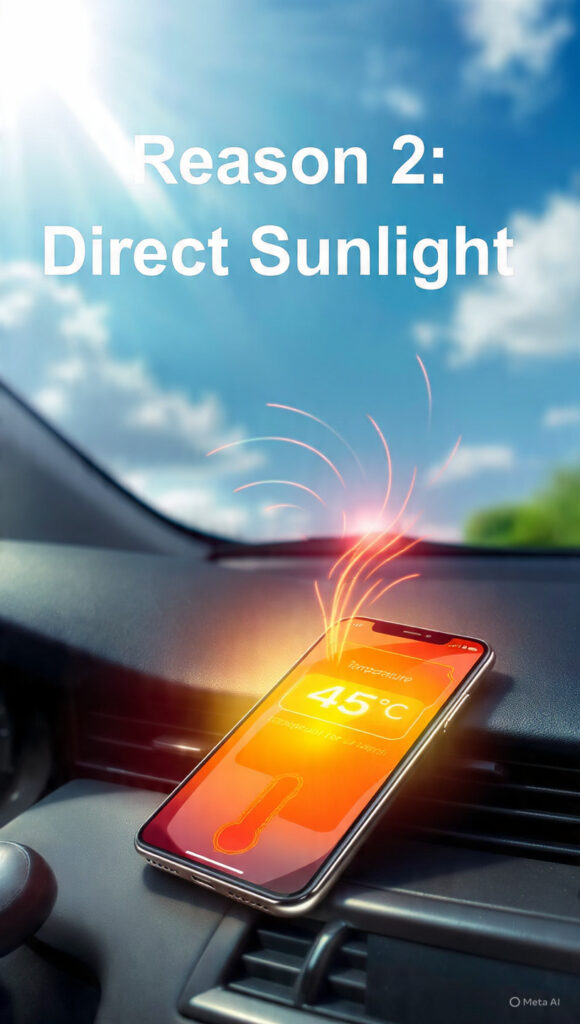
Leaving your phone on a car dashboard or using it under direct sunlight is extremely harmful. The battery and screen can reach temperatures above 45°C, which permanently reduces battery life. The phone’s internal safety system will also slow down performance to prevent damage.
How to Fix It:
- Never use your phone in direct sunlight for more than 2 minutes. If you need to use GPS on a motorcycle, check the route and then put the phone back in your pocket.
- Do not leave your phone in a parked car. Temperatures inside a car can exceed 60°C in summer.
- Cool it down correctly. If your phone is already hot, move it to a shaded, cool room. Never put it in a refrigerator, as the sudden temperature change can cause internal condensation and damage. This phone overheating fix works instantly.
Reason 3: Too Many Background Apps Running

You might open Facebook, Instagram, YouTube, Chrome, and Daraz, then simply press the home button. All of these apps continue running in the background, consuming RAM and CPU power. This forces your processor to stay active constantly, generating unnecessary heat.
How to Fix It:
- Close all recent apps. Tap the “Recent Apps” button and swipe away or tap “Close All” to shut down apps you are not actively using.
- Enable background restrictions. Go to Settings > Battery > Background Usage Limits. Set apps you rarely use to “Deep Sleeping Apps.” This prevents them from running secretly.
- Restart your phone weekly. A simple restart every 3-4 days clears the RAM and stops all hidden background processes that cause heating.Phone Overheating Fix
Reason 4: Faulty Charger, Cable, or Battery
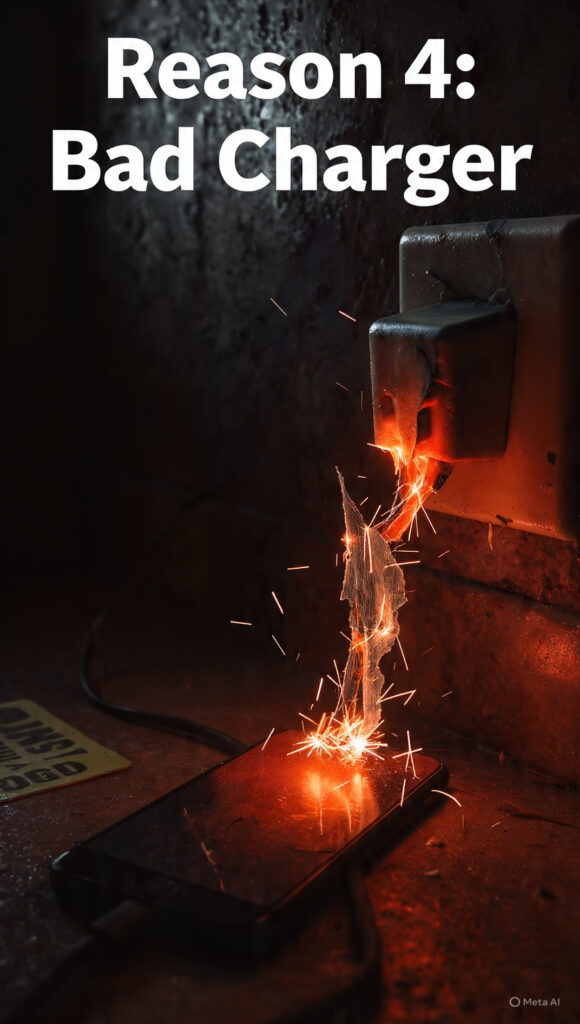
Using a cheap, non-certified charger or a damaged USB cable is a major fire hazard. These accessories do not regulate voltage properly, which causes the battery to overheat during charging. A swollen or old battery will also generate excessive heat.
How to Fix It:
- Always use the original charger and cable that came with your phone.
- If the original is unavailable, buy a certified charger from reputable brands like Anker, Samsung, or Mi from an official store.
- Inspect your cable for damage. If you see exposed wires or bent connectors, replace it immediately.
- Do not use your phone while charging. Let it charge for 20-30 minutes without any use. This is the safest way to charge and prevents heat buildup. Phone Overheating Fix
Reason 5: Malware or Crypto-Mining Apps
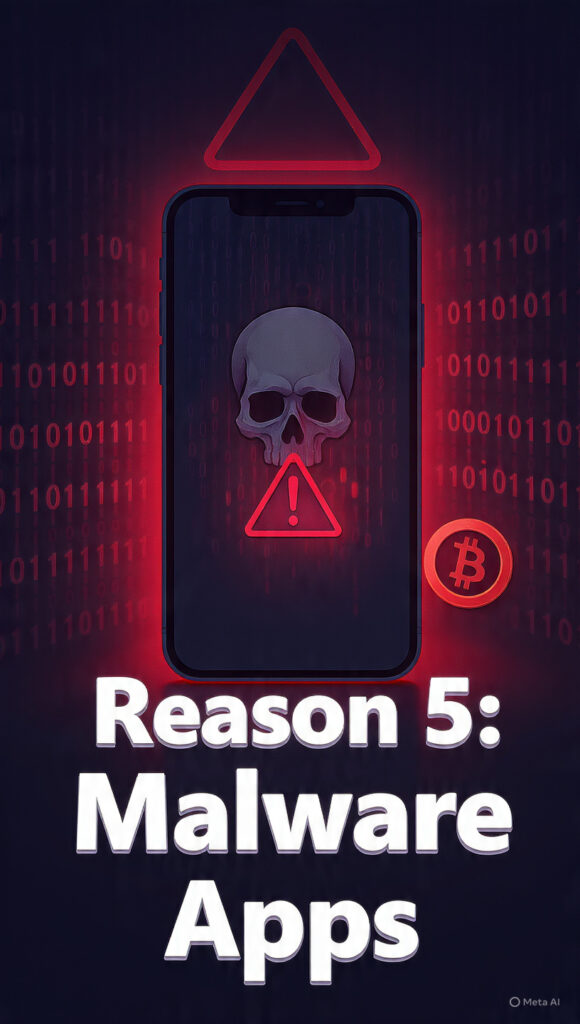
If you install apps from outside the Google Play Store, you risk downloading malware. Some malicious apps secretly run cryptocurrency mining scripts in the background. This process uses 100% of your phone’s CPU, making it extremely hot while also stealing your data.
Phone Overheating Fix How to Fix It:
- Check battery usage. Go to Settings > Battery > Battery Usage. If you see an unknown app consuming a large percentage of your battery, uninstall it immediately.
- Run a malware scan. Install the free “Malwarebytes Security” app from the Play Store and run a full system scan.
- Only install apps from the Play Store. Never download APK files from websites, Telegram, or WhatsApp groups.
- As a last resort, perform a factory reset. If your phone still overheats after these steps, back up your data and reset your phone to remove any hidden malware.
Final Advice from http://TechnoH8News.com .
try this phone overheating fix today.
It is normal for your phone to feel slightly warm during charging or heavy gaming. However, if it becomes too hot to touch or shows a “Temperature Warning,” you must act immediately.
The two quickest fixes are: 1. Close all background apps and remove the case, and 2. Stop using the phone and let it cool down in a shaded area.Phone Overheating Fix
If your phone continues to overheat even when idle, the battery may be failing. In this case, visit an authorized service center as son as possible. Phone Overheating Fix
share this guide with you freinds and family who are struggling with overheating phones. or more simple tech solutions every day, keep simple tech solutions every day, keep visiting. http://TechnoH8News.com
For official Android battery tips, check Google’s guide http://here.https://support.google.com/android/answer/76646
https://support.google.com/android/answer/7664692Check official Android tips here.
“here” ko link karo:
also read :Is Your Phone Hanging? 5 Easy Ways to Make Your Phone Fast in 2026