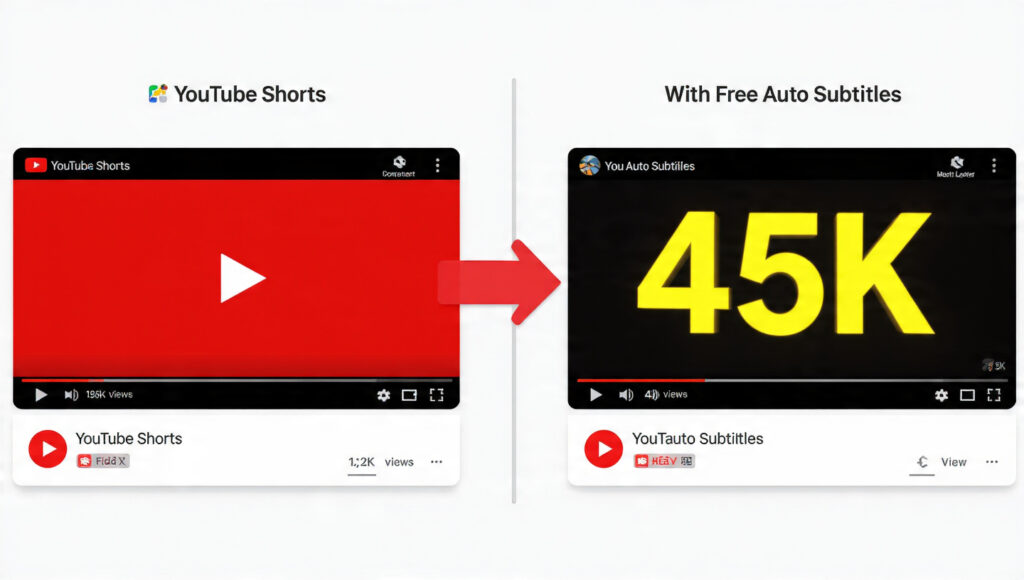
80% of people who watch YouTube Shorts scroll on mobile with the sound muted. If your video has no subtitles, they’ll swipe away in 2 seconds. Watch time drops, views don’t come. The solution to this problem is youtube shorts auto subtitles generator free tools. In 2026, AI is smart enough to add accurate captions in Hindi, Urdu, English, and all languages with 1 click. No payment, no watermark.
In this guide I’ll show you the 3 best youtube shorts auto subtitles generator free tools. Step-by-step methods for both mobile and PC. And at the end, 3 pro tips that will double your views.
Why Are Auto Subtitles Necessary in YouTube Shorts?
According to Google’s 2025 report, Shorts with subtitles have 40% higher average watch time. There are 3 main reasons:
1. Capture Mute Audience: In the office, metro, or bed at night – people don’t turn sound ON. If there are no subtitles, your message won’t reach. With a youtube shorts auto subtitles generator free tool, you get this audience.
2. SEO Boost: YouTube reads auto-generated captions. If you say “iPhone tips” in the video and it’s written in the subtitle, YouTube understands what the video is about. Chances of ranking in search increase 3x.
3. International Reach: Put English subtitles on a Hindi video. Now people from the USA and UK will also watch. One youtube shorts auto subtitles generator free tool even does auto-translate.
So subtitles = more views + more earnings. Now let’s see how to do it for free.
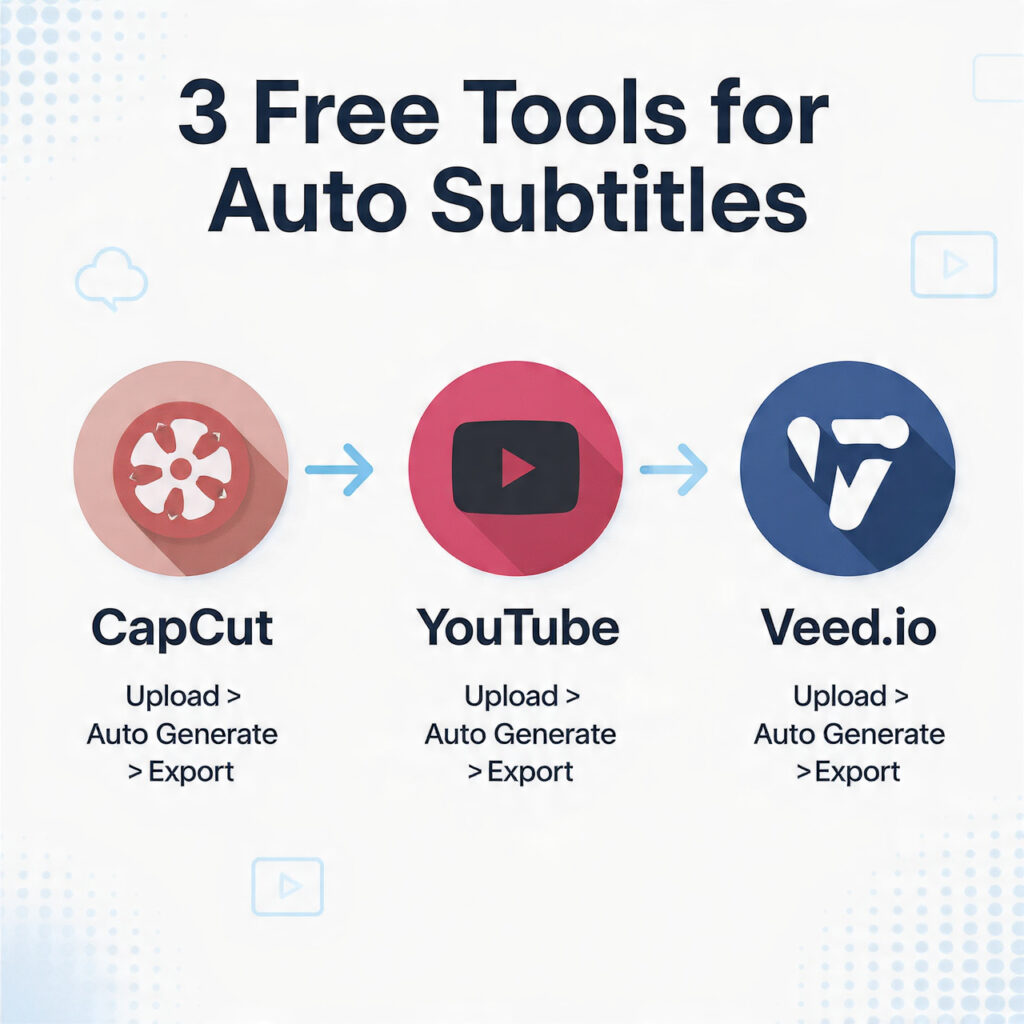
3 Best YouTube Shorts Auto Subtitles Generator Free Tools 2026
1. CapCut – Mobile + PC King | 100% Free No Watermark
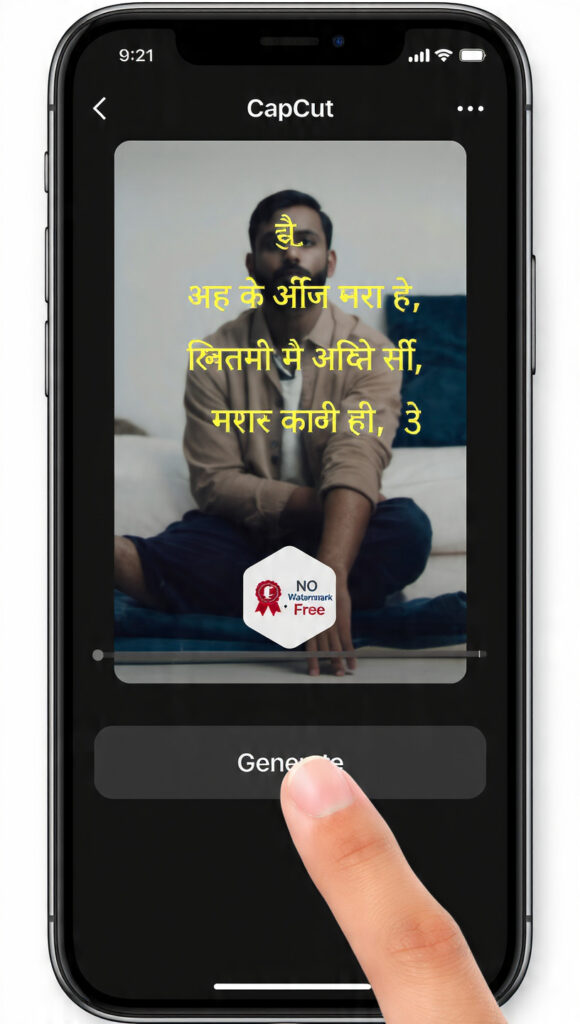
CapCut is the #1 tool in the youtube shorts auto subtitles generator free category in 2026. It’s from ByteDance, the TikTok company. That’s why it’s perfect for Shorts.
Accuracy: Hindi 95%, Urdu 90%, English 98%. Works well even with background noise.
Step-by-Step Mobile Method:
- Open CapCut app → New Project → Import Shorts video
- Click Text at the bottom → Select Auto Captions
- In Language, select Hindi/Urdu/English → Hit Generate
- Subtitles for the whole video will be ready in 30 sec. You can edit each line
- Click Style to set font, color, position. Bold yellow performs best
- Export at 1080p 60fps → Keep No Watermark option ON
Pro Trick: CapCut now has “Bilingual Subtitles” too. You can show Hindi + English together. Views will come from both international and local audiences.
PC Version: Use it in browser at capcut.com. No login needed. This is the fastest youtube shorts auto subtitles generator free method in 2026.
2. YouTube Studio Auto Captions – Direct Method
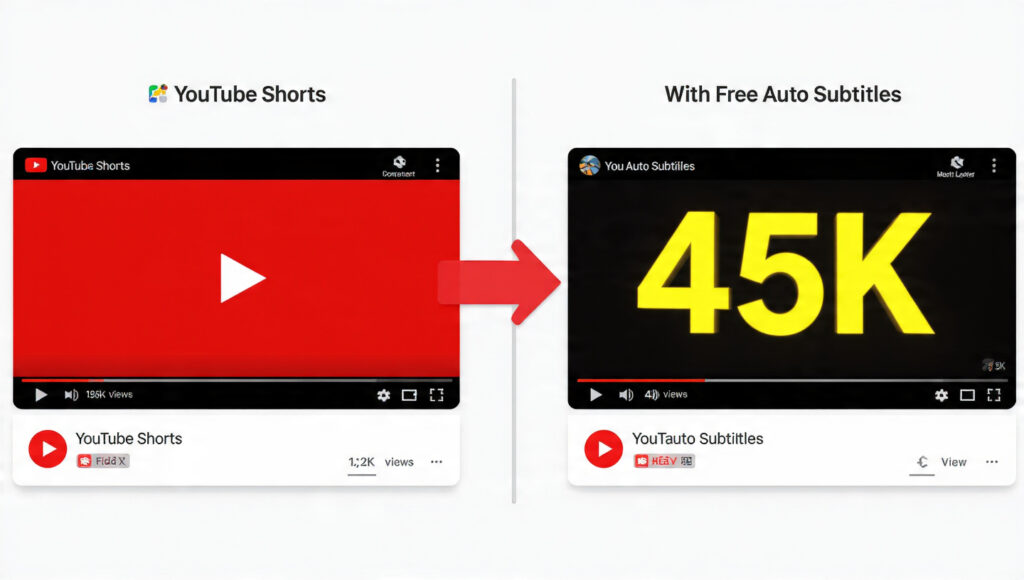
This is the easiest way. No app, no website. It’s done directly in YouTube.
Steps:
- Open YouTube Studio → Upload video as Shorts
- After upload, go to Subtitles tab → Add Language → Select Hindi
- Click Auto-sync. YouTube will listen to the audio and create captions itself. Takes 5-10 min
- Click Edit to fix mistakes → Publish
Pros: 100% free, unlimited videos, auto-translate in 100+ languages.
Cons: Can’t style them. You get simple white text. CapCut is better for viral Shorts.
This youtube shorts auto subtitles generator free option is best for those who don’t want to edit. Just upload and forget.
3. Veed.io – Browser Tool No Install
If you don’t have space on mobile, use Veed.io. Works in browser.
Steps:
- Open Veed.io/tools/auto-subtitle-generator
- Upload Video → Select Shorts file
- Select Language → Hit Auto Subtitle
- Change Subtitle Style → Export → Download MP4
Free Limit: 10 min of video daily. 1 Short = 1 min, so 10 Shorts free per day. No watermark if you use the “Burn subtitles” option.
Veed.io’s youtube shorts auto subtitles generator free engine uses ChatGPT-like AI. So it catches slang and lines like “kya haal hai bhai” correctly too.
How to Add Auto Subtitles to YouTube Shorts From Mobile – No PC
90% of creators make Shorts from mobile. Complete CapCut mobile process:
- Import: Open CapCut → Select 9:16 ratio → Add video
- Auto Captions: Text > Auto Captions > Original sound > Hindi > Start
- Fix Errors: If it wrote “Kyaa” instead of “Kya”, tap to edit. Adjust timing
- Add Animation: Add “Pop” animation to each line. Retention increases
- Highlight Keywords: If you say “iPhone 16” in video, make iPhone 16 yellow in the subtitle.
youtube shorts auto subtitles generator freetools have this feature - Export: 1080×1920, 30fps or 60fps, High quality. Share directly to YouTube
The whole process takes 2 minutes. You can add subtitles to 20 Shorts in 1 day for free.
3 Pro Tips to Double Views With Subtitles
Just using a youtube shorts auto subtitles generator free tool isn’t enough. You need viral-style too.
1. Make Hook Line Bold + Yellow
Make the line in the first 3 seconds biggest, bold, and yellow. Example: “TURN THIS SETTING ON”
People stop. AVD increases.
2. 2 Lines Max, Center Align
Phone screens are small. If 3 lines of subtitles show, the video isn’t visible. Turn “Max 2 lines” setting ON in CapCut. Keep it centered so YouTube’s UI doesn’t cover it.
3. Emoji + Keyword Combo
Subtitle: “iPhone Battery 🔋 Last 2 Days”
Emoji grabs attention + keyword “iPhone Battery” helps SEO. These youtube shorts auto subtitles generator free tools don’t add emojis automatically, you have to add them manually.
Bonus: If you’re using trending audio, put its lyrics in the subtitle too. People stop to read lyrics.
Common Mistakes That Kill Views
- Not Editing Auto Captions: AI is 95% right, 5% wrong. It’ll write “Shots” instead of “Shorts”. Always edit or it looks cringe
- White Text Black Background: That’s old style. In 2026, gradients, glow, and pop animations work
- Covering Full Screen: Subtitles should be in the bottom 20% area. Video content should be visible
Conclusion
youtube shorts auto subtitles generator free tools have changed the game. In 2023, adding subtitles took 30 min. Now it takes 30 seconds. CapCut is best for mobile, YouTube Studio is easiest, Veed.io is for browser.
Add subtitles to your last 5 Shorts and re-upload today. People will start commenting “SUB”. Views increase 40-60% in the first 48 hours.
Which tool will you use? CapCut or YouTube Studio? Tell me in the comments. If you don’t understand any step, ask me.
Complete SEO Pack – YouTube Shorts Auto Subtitles Generator Free
Anchor | LinkCapCut Official | https://www.capcut.comYouTube Studio | https://studio.youtube.comVeed.io Subtitles | https://www.veed.io/tools/auto-subtitle-generator
Anchor | Linkfree AI tools 2026 | /best-free-ai-tools-2026/Instagram Reels tips | /instagram-reels-viral-tips-2026/Discord ChatGPT Bot Free | /discord-chatgpt-bot-free/