
AI is not the future anymore. It’s today.
Ai tools 2026 With the launch of ChatGPT-5 in 2026, everything changed. The people who learn to use AI right now are getting 1 week of work done in 1 day.
But here’s the problem: There are over 3000 AI tools on the internet. 99% of them are just hype and waste your time.
So I spent the last 30 days testing 50+ AI tools. I only kept the 7 that actually save me 10+ hours every single week.
Whether you’re a student, freelancer, YouTuber, or business owner in Pakistan, these 7 AI tools will change how you work forever.
Let’s get into it.
1. ChatGPT-5 – The Best AI Tools 2026 for Content

This is the big one. ChatGPT-5 is 10x faster and smarter than GPT-4.
What’s new in GPT-5:
- Much better at writing human-like content
- Can read and analyze PDFs, websites, and YouTube videos
- Remembers context for much longer
- Gives fewer wrong answers
How it saves you 5 hours per week:
Instead of spending 3 hours researching and writing a blog, you can do it in 30 minutes.
Best Use Cases:
- Write blog posts, emails, and social media captions
- Summarize long YouTube videos or research papers
- Brainstorm 50 content ideas in 2 minutes
- Act as your tutor, coach, or business advisor
Pro Prompt to Copy:
Act as an expert blog writer. Write a 1000-word SEO blog on [topic] for beginners in Pakistan.
Use H2 headings, bullet points, and a friendly tone. Add a conclusion and 5 FAQs at the end.
Target keyword: [your keyword]
Price: Free version available. ChatGPT-5 Pro is $20/month
2.Canva AI – AI Tools 2026 for Design in Minutes
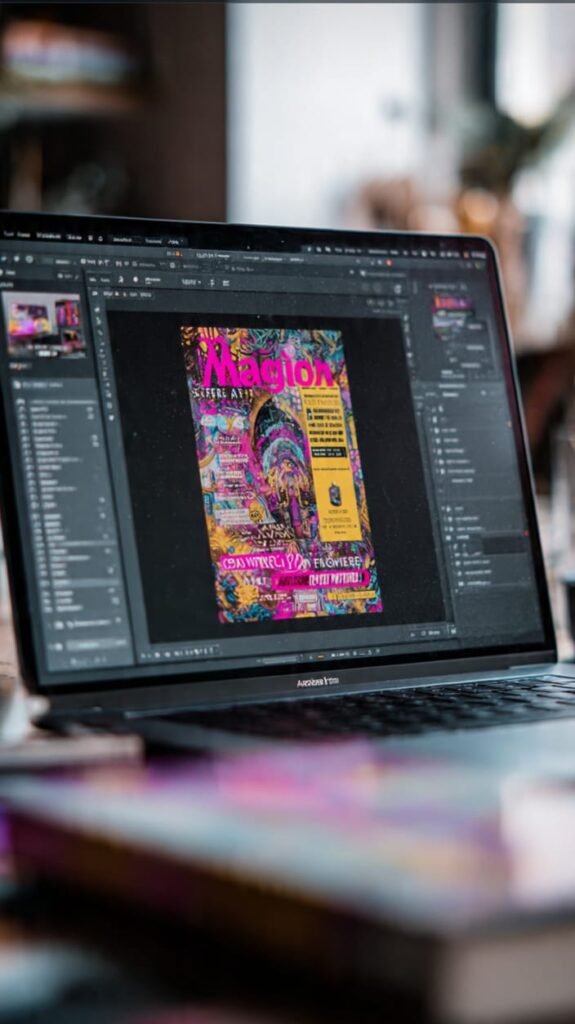
If you make YouTube videos, Instagram posts, or blog thumbnails, you need this.
Best Canva AI Features in 2026:
- Magic Design: Type what you want and it creates 10 designs instantly
- Magic Write: Write captions, titles, and ad copy inside Canva
- Background Remover: Remove background from any photo in 1 click
- Magic Animate: Turn static posts into videos
How it saves you 2 hours per week:
No more hiring a designer or spending hours in Photoshop. I made this blog’s thumbnail in 45 seconds.
Best For: YouTubers, Bloggers, Social Media Managers, Small Businesses
Price: Free plan is enough. Pro is $12.99/month
3. Notion AI – AI Tools 2026 for Notes & Planning

My brain is messy. Notion AI organizes it for me.Ai tools 2026 .
How it saves you 1.5 hours per week:
- Meeting Notes: Paste a 1-hour meeting transcript. It gives you bullet points + action items
- Content Calendar: Tell it “Make me a 30-day blog plan” and it’s done
- Summarize Anything: Drop a 20-page PDF. Get a 5-bullet summary
- To-Do Lists: “Plan my week as a content creator” – done
Best For: Students, Freelancers, Teams, Anyone who has too many tabs open
Pro Tip: Use this prompt: Summarize this and give me 3 action steps: [paste text]
Price: $10/month. You also need Notion free plan.
4. Gamma AI – Make Presentations in 60 Seconds
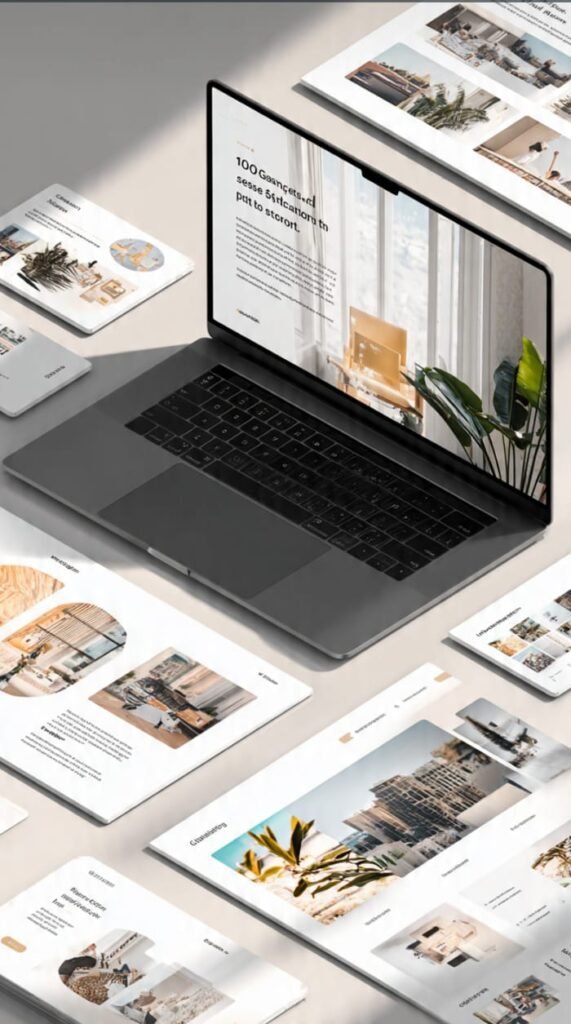
Hate making PowerPoints? Same.
Gamma AI turns 1 sentence into a full, beautiful presentation.
How it works:
Type: Make a presentation about "How to Earn Money with YouTube Shorts in 2026"
And Gamma gives you 10 slides with text, images, and design.
How it saves you 1 hour per week:
Students and business owners spend hours on PPTs. Now it’s 1 minute.
Best For: Students, Freelancers pitching clients, Business owners
Price: Free for 400 credits. Paid starts at $10/month
5. ElevenLabs – AI Voice That Sounds Human
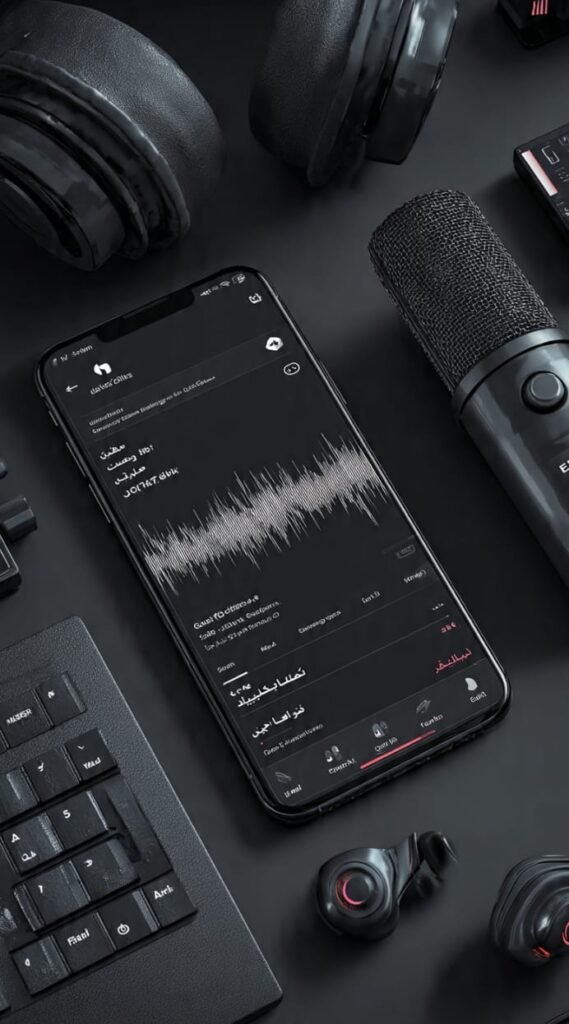
This is scary good. ElevenLabs can clone any voice or create new ones.
How it saves you 1 hour per week:
No need to record your own voice for YouTube, TikTok, or Reels.ai tools 2026.
Best Use Cases:
- Convert blog posts to YouTube videos
- Create AI voiceovers for Shorts and TikTok
- Make audiobooks and podcasts
- Supports Urdu, Hindi, and 28 other languages
Example: I wrote a script in ChatGPT-5, pasted it in ElevenLabs, and got a full YouTube voiceover in 2 minutes.
Price: Free 10,000 characters/month. Paid starts at $5/month
6. Midjourney v7 / DALL-E 3 – AI Image Generator
ai tools 2026.Need images for your blog? Don’t use Google. It’s risky.ai tools 2026.
Use Midjourney v7 or DALL-E 3 instead.
How it saves you 30 minutes per week:
Type a prompt and get 4 unique, copyright-free images in 20 seconds.
Best Prompts for Blogs:
A futuristic Pakistani freelancer working on laptop with AI hologram, 4k, professional blog header
Best For: Bloggers, E-commerce, Social Media, Thumbnail design
Price: Midjourney $10/month. DALL-E 3 is included in ChatGPT Plus
7. Durable AI – Build a Full Website in 30 Seconds

This is for you if you want to start another website like Technoh8news.
How it works:
Type: Create a website for a tech news blog in Pakistan
Durable gives you: Logo, Website, About page, Contact form, and even blog posts.
How it saves you 3 hours:
Building a WordPress site used to take days. Now it takes 30 seconds.Ai tools 2026.
Best For: Beginners, Small Businesses, People who hate coding .ai tools 2026.
Price: $12/month
My Exact 10-Hour Workflow Using All 7 Tools
Here’s how I use all of them together to publish 1 blog:
- Idea: Ask ChatGPT-5: “Give me 10 blog ideas about AI in Pakistan”
- Research + Write: “Write a 1200-word blog on with SEO headings”
- Images: Use DALL-E 3 to make 3 blog images
- Thumbnail: Design YouTube thumbnail in Canva AI
- Voiceover: Convert blog to video script and make voice with ElevenLabs
- Publish: Use Notion AI to schedule social media posts[topic]
Total Time Before AI: 10-12 hours
Total Time With AI: 1.5 hours
Time Saved: 8.5 hours
AI Won’t Take Your Job. But Someone Using AI Will.
2026 is the year to start using AI. If you ignore it, you will be left behind.
You don’t need to use all 7 tools. Start with just 2:
- ChatGPT-5 for writing and thinking
- Canva AI for design
Use them every day for 30 days and you will see the difference.Ai tools 2026.
Which tool will you try first? Comment below and let me know 👇
P.S: Want my free “100 ChatGPT-5 Prompts for Bloggers” PDF? Save this blog and DM me “PROMPTS” on Instagram @Technoh8news