F
Best Image Alt Text:
Students using free AI tools for university assignments on laptop in 2026
University life is busy. Between lectures, labs, part-time jobs, and deadlines, assignments often feel like they pile up overnight. The good news? AI is now a student’s best study partner.
You don’t need to pay for expensive software or tutors. There are solid free AI tools for students that can help you research, write, edit, cite, and even understand tough concepts faster. Here’s the list of the best ones you should be using in 2026.
1. ChatGPT Free – For Brainstorming and Drafting
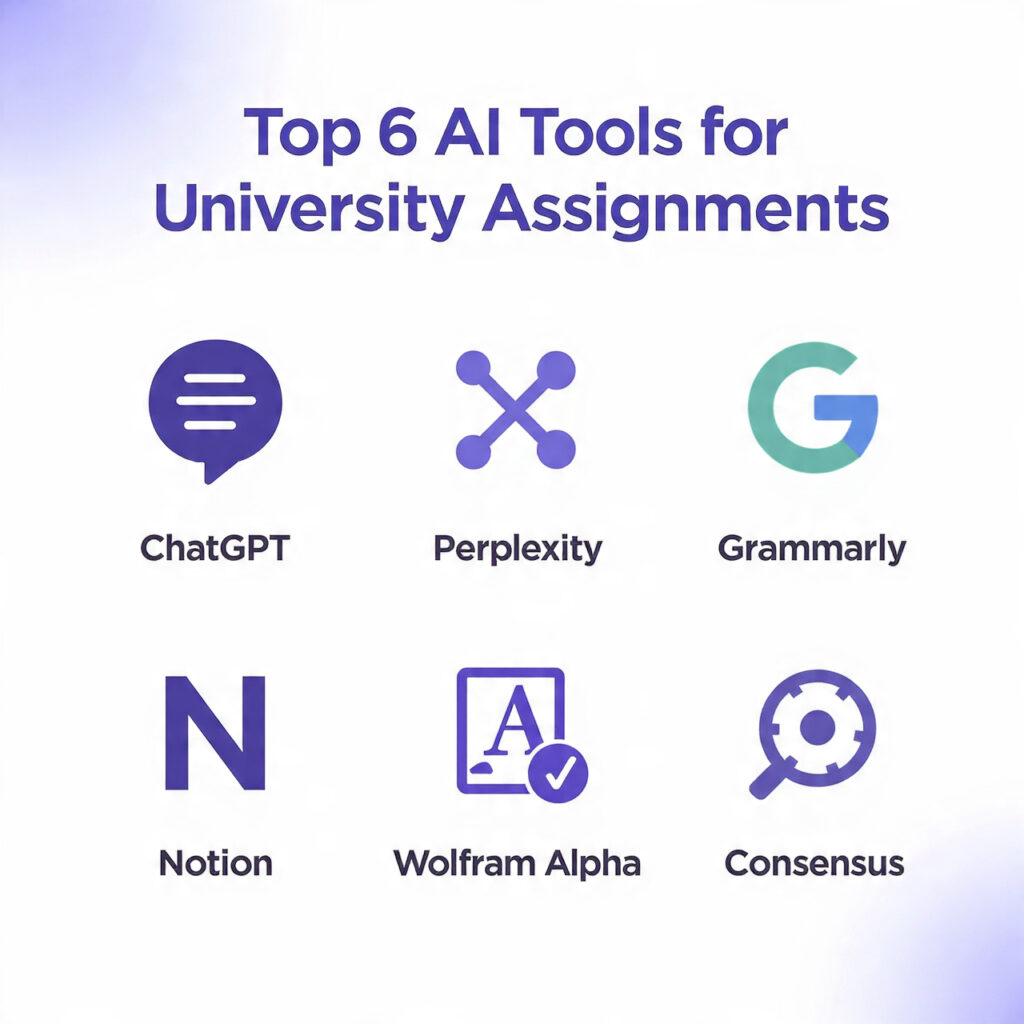
ChatGPT’s free plan is still one of the most useful free AI tools for students. Stuck on an essay topic? Paste your assignment question and ask for 5 angle ideas. Need to simplify a dense research paper? Upload it and ask for a summary in simple English.
Use it for:
- Outlining essays and reports
- Explaining complex theories like economics or physics concepts
- Generating practice questions for exams
Tip: Always fact-check. AI can make mistakes. Treat it as a draft generator, not a final answer.
2. Perplexity AI – For Research with Citations
If you’ve ever lost hours finding sources for a bibliography, Perplexity AI will save you. It searches the web and gives you answers with real citations. You can ask, “What are the impacts of climate change on agriculture in Pakistan?” and get a concise answer with links to studies and news articles.
Why it’s great for university assignments:
- No more digging through Google for 20 minutes
- Every claim is linked to a source you can check
- Free plan is generous enough for weekly assignments
This makes it one of the most practical free AI tools for students doing research-heavy work.
3. Grammarly Free – For Clean, Clear Writing

Bad grammar can drop your grade fast. Grammarly’s free version checks spelling, grammar, punctuation, and basic clarity as you write in Google Docs or Word.Free AI Tools for Students
Upgrade your writing by:
- Fixing passive voice and run-on sentences
- Adjusting tone to be more academic
- Avoiding plagiarism with basic checks
It won’t rewrite your essay for you, but it makes sure your ideas come across clearly. Pair it with ChatGPT drafts for a clean final submission.
4. Notion AI Free Plan – For Notes and Organization
Notion is already popular for note-taking. The free AI plan lets you summarize notes, create to-do lists from messy text, and generate study guides from your lecture notes.Free AI Tools for Students
How students use it:
- Turn 10 pages of notes into a 1-page revision sheet
- Create flashcards automatically from course material
- Plan assignment timelines without opening Excel
If you’re juggling 5 courses, this is one of the free AI tools for students that keeps you organized without extra cost.Free AI Tools for Students
5. Consensus – For Academic Evidence

Consensus is built specifically for research. You ask a yes/no question like “Does caffeine improve memory?” and it scans 200M+ academic papers to give you an evidence-based answer.Free AI Tools for Students
Perfect for:
- Literature reviews
- Writing argumentative essays
- Finding studies quickly without paywalls
It’s free, fast, and saves you from reading 20 PDFs to get one answer.
6. Quillbot Free – For Paraphrasing and Summarizing
Sometimes you understand a source but can’t write it in your own words without plagiarizing. Quillbot’s free plan helps you paraphrase paragraphs while keeping the meaning intact.Free AI Tools for Students
Use cases:
- Rewriting dense academic text in simple language
- Shortening long quotes for assignments
- Summarizing articles for your notes
Keep it under 125 words per use on the free plan, and always review the output to make sure it sounds natural.
7. Wolfram Alpha – For Math and Science Problems
Stuck on calculus, statistics, or physics? Wolfram Alpha doesn’t just give you the answer. It shows step-by-step solutions for free.Free AI Tools for Students
Best for:
- Checking homework answers
- Understanding how to solve equations
- Plotting graphs for reports
It’s more accurate than ChatGPT for math, making it a must-have among free AI tools for students in STEM fields.
8. Elicit – For Finding Research Gaps
Elicit helps you find what researchers don’t know yet. Ask a research question, and it pulls relevant papers and summarizes key findings and gaps.Free AI Tools for Students
Why it matters:
- Helps you pick original topics for dissertations
- Saves time reading irrelevant papers
- Free for basic searches
If you’re in your final year, this tool can make your proposal stand out.
How to Use These Tools Without Getting in Trouble
Universities are fine with AI if you use it ethically. Here’s the rule of thumb:
- Use AI for ideas, not copy-paste. Always rewrite in your own words.
- Cite AI where required. Some professors want you to mention if you used AI for drafting.
- Check facts. AI hallucinates. Cross-check with sources from Perplexity or Consensus.
- Don’t submit AI-generated code or math without understanding it. You’ll get caught in viva.
When used right, these free AI tools for students don’t replace learning—they speed it up.
Common Mistakes to Avoid
- Relying on one tool: ChatGPT is great, but it’s not a research tool. Pair it with Perplexity or Consensus.
- Ignoring citations: Always link back to sources. It’s what separates A-grade work from average.
- Over-editing with AI: If your writing stops sounding like you, professors notice.
Alternatives if You Need More Features
If the free plans feel limiting, look at student discounts. Many tools offer 50-80% off with a .edu email. Also check if your university provides free access to Turnitin, Grammarly Premium, or Microsoft Copilot through campus licensing.
For presentations and visual assignments, pair these writing tools with Canva Pro’s free student plan. It lets you create infographics and slides that make your assignment visually strong.
Final Thoughts
The smartest students in 2026 aren’t working harder—they’re working with AI. The tools above are 100% free, legal, and built to save you time without cutting corners.Free AI Tools for Students.
Start with 3 tools: ChatGPT for drafting, Perplexity for research, and Grammarly for editing. Once you’re comfortable, add Notion AI and Wolfram Alpha based on your course load.
Your assignments won’t write themselves, but with the right free AI tools for students, you’ll finish them faster, with better quality, and less stress.
1. Kya AI tools use karna assignment me cheating mana jata hai?
Nahi, agar tum AI ko research, brainstorming, aur editing ke liye use kar rahe ho. Problem tab hoti hai jab pura assignment copy-paste kar do. Hamesha apna analysis aur citations add karo.
2. .edu email na ho to bhi free AI tools mil sakte hain?
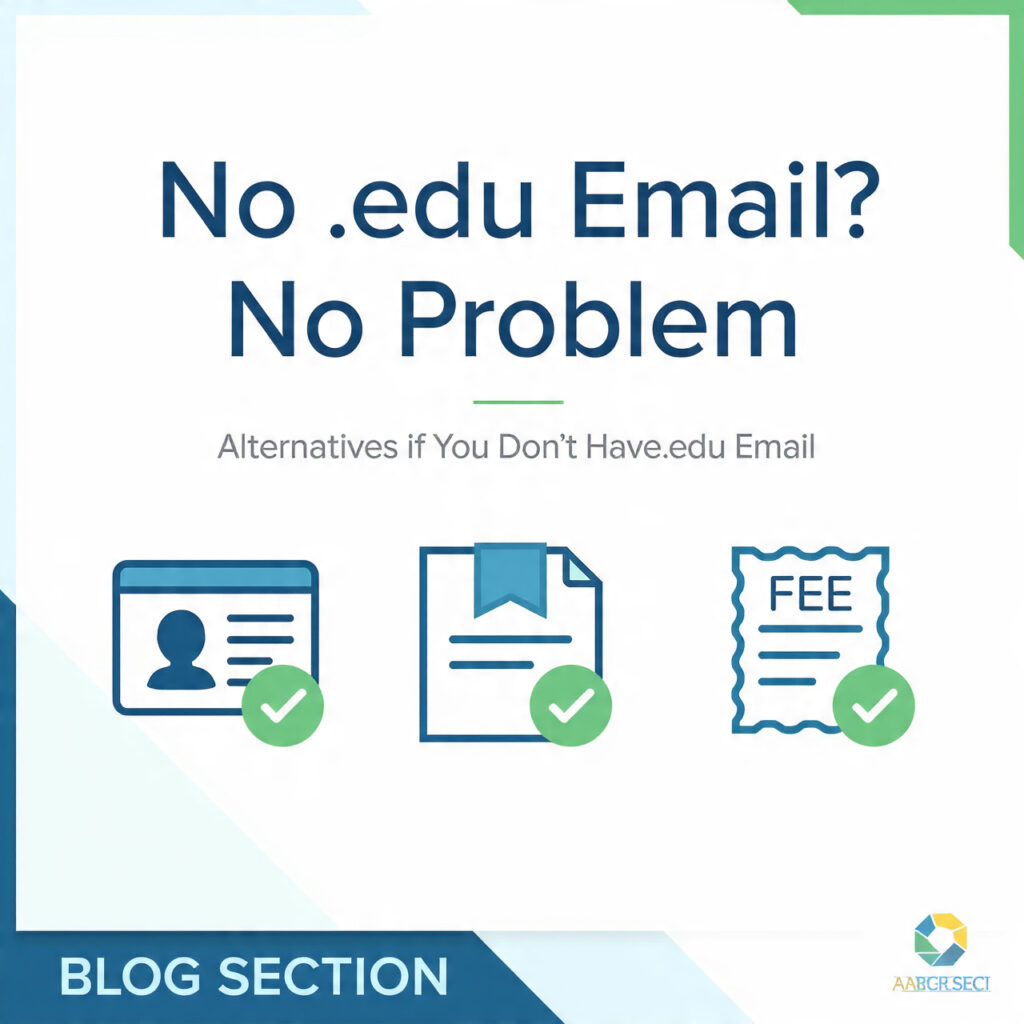
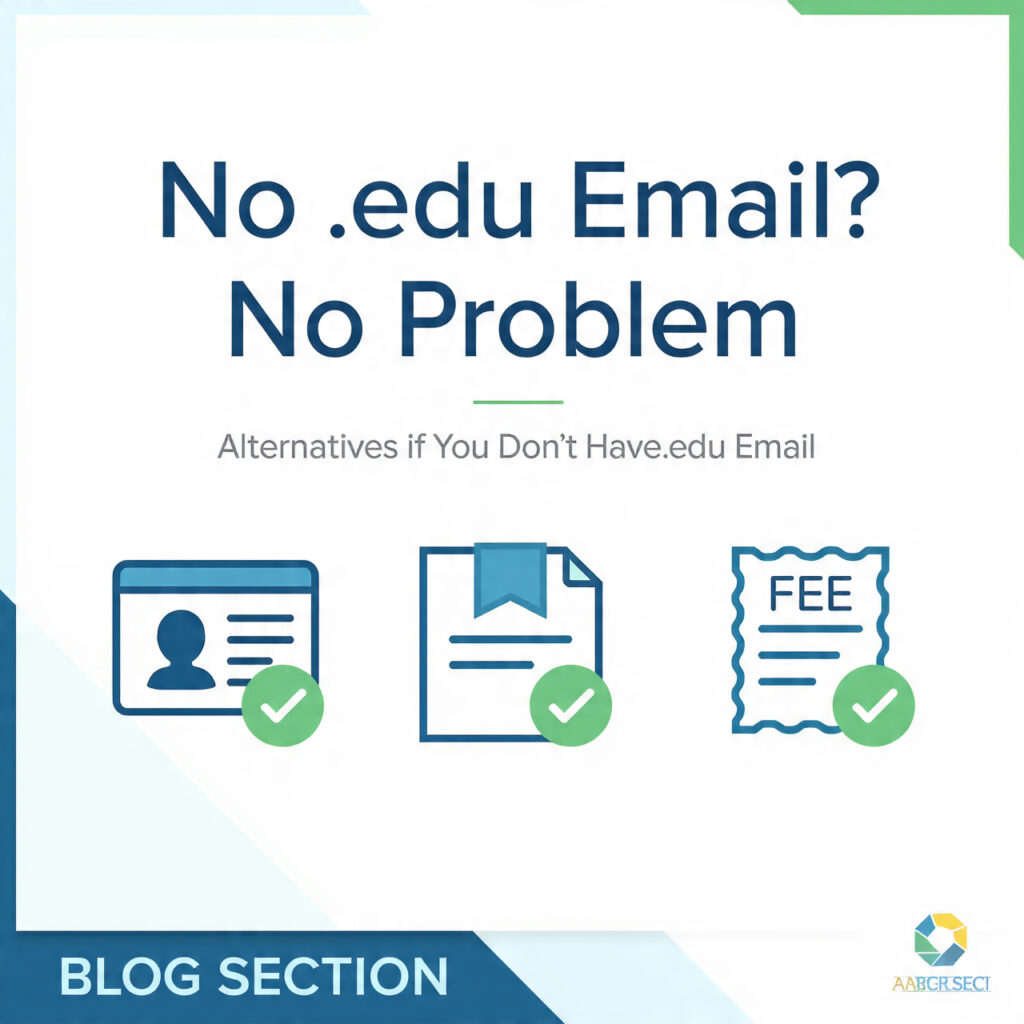
Haan. Notion, ChatGPT, Perplexity, Grammarly sab bina .edu ke free plan dete hain. Canva Pro aur Microsoft 365 ke liye student ID, admission letter, ya fee receipt se verify kar sakte ho.
3. Konsa AI tool sabse best hai university assignments ke liye?
- Research + citations: Perplexity, Consensus
- Writing + editing: ChatGPT, Grammarly
- Notes + project mgmt: Notion AI
- Math/STEM: Wolfram Alpha
Best approach hai 2-3 tools ko combine karna.
4. Kya ye tools 100% accurate hain?
Nahi. AI kabhi kabhi galat info de sakta hai. Har fact ko double-check karo, especially stats, dates, aur citations. AI ko draft banao, tum final editor bano.
5. Free plan me kitni limit hoti hai?
Har tool ki alag hai. ChatGPT free me GPT-4o ke limited messages, Perplexity me 5 Pro searches/day, Canva me 500 AI credits/month. Heavy use ke liye daily limit reset ka wait karna padta hai.
6. Kya teachers AI detection tools se pakad sakte hain?
AI detectors 100% accurate nahi hain. Lekin agar pura text AI-generated hai to flag ho sakta hai. Isliye AI output ko rewrite karo, personal examples add karo, aur apni voice rakho.
7. Kya mobile par bhi ye tools chal jate hain?
Haan. Sabhi tools ke mobile apps aur mobile-friendly sites hain. Notion, ChatGPT, Grammarly mobile par kaam karne ke liye best hain.
8. Kya ye tools Urdu/Hindi me kaam karte hain?
Haan. ChatGPT, Perplexity, aur Notion AI Urdu aur Hindi dono me likh, translate, aur summarize kar sakte hain. Bas prompt Urdu/Hindi me likh do.
https://www.perplexity.ai/ – For AI-powered research and citations
Also Read: Canva Pro Free for Students in Pakistan 2026] – Design better presentations for your assignments